






Digitise your invoices without the AEAT knocking them back
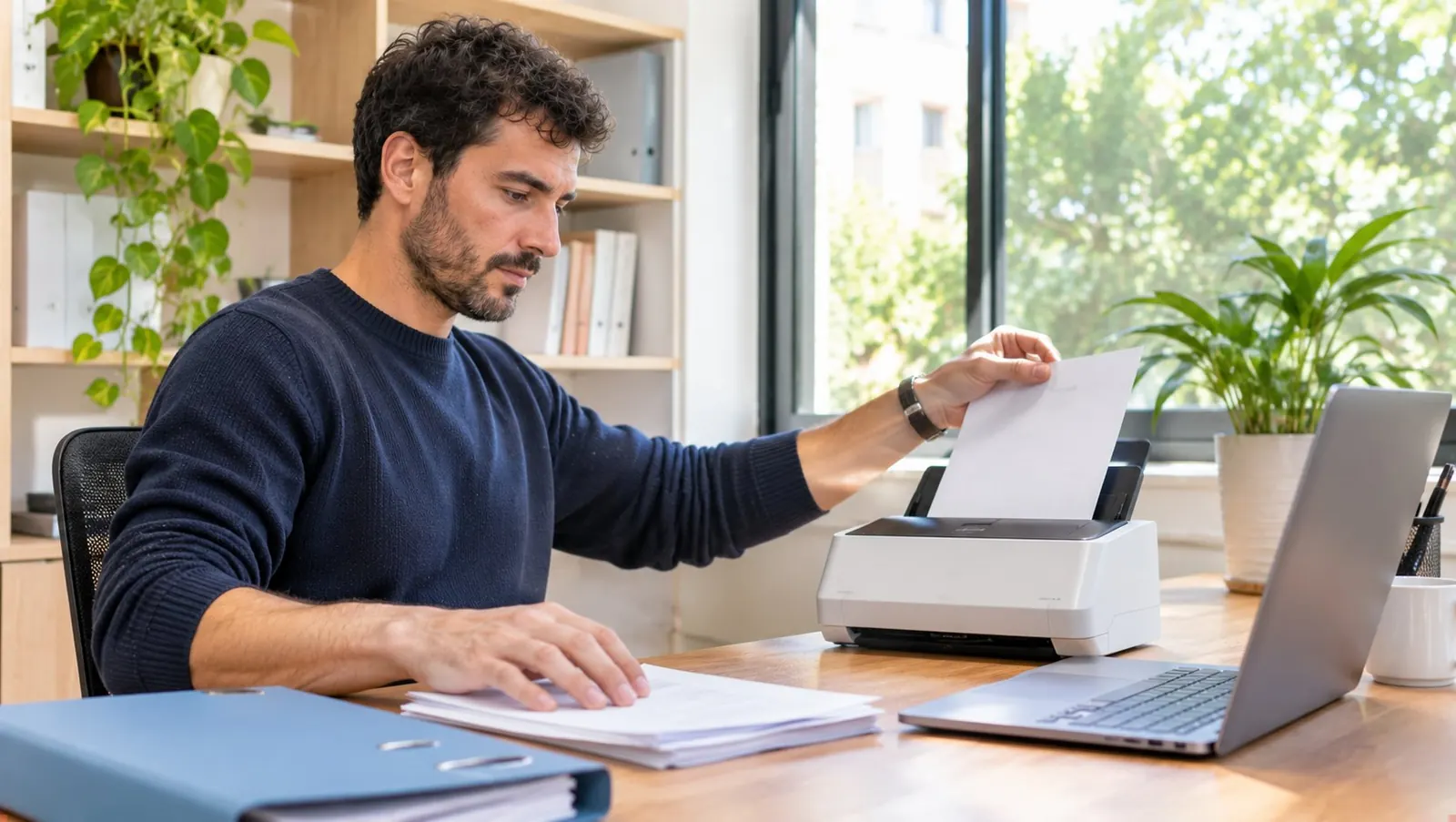

Photo or PDF, OCR, deduction and retention: what the Spanish tax authority accepts, what paper you can throw away and what you cannot, and how Cofactu does it.
- Category
- Compliance
- Level
- Beginner
- Time
- ≈ 6 min
- Steps
- 6
- Updated
- September 2026
Before you start.
What you are about to solve.
Yes, you can digitise your expense invoices with your phone or by uploading the PDF and use them for your accounts and to deduct VAT and the expense. The invoicing regulation (article 20 of Royal Decree 1619/2012) allows invoices to be kept by any means, on paper or electronically, as long as it guarantees the authenticity of origin, the integrity of the content and legibility, and that the tax authority can access them without delay.
What an ordinary OCR does NOT let you do is destroy the paper original. To do without paper you need certified digitisation: a process with software approved by the AEAT (Spanish Tax Agency, article 7 of Order EHA/962/2007) that produces a faithful image, electronically signed and organised in a database with guarantees. Cofactu is not certified digitisation software and does not present itself as such: its OCR reads the invoice, extracts the data and keeps the file you uploaded together with the expense.
The good news is that today most invoices already arrive as PDF, and a PDF received by email is the electronic original: there is no paper to keep. The paper problem is reduced to tickets and small suppliers, and this guide tells you what to do in each case.
Do it in order.
Open only the step you are on.
6 steps to review, issue and leave the document ready, without reading a whole guide at once.
-
Tell an electronic original from a paper original
Step 01: Tell an electronic original from a paper original
This is the decision that conditions everything else. If the invoice reached you by email as a PDF (or you downloaded it from the supplier's portal), that file IS the original: keep it as it is, without printing it or scanning it again. If it was handed to you on paper, the photo or scan you make is a useful working copy, but the original is still the paper and you must keep it for the whole period.
- PDF by email or supplier portal → electronic original, you keep the file.
- Paper handed over or posted → the photo is a copy; you keep the paper.
- Structured electronic invoice (Facturae, XML) → the original is the file, not its courtesy PDF.
-
Upload the invoice to Expenses
Step 02: Upload the invoice to Expenses
In Expenses → New, drag the PDF or take the photo from your phone. Lucía, Cofactu's assistant, reads the document and fills in supplier, NIF, number, date, base, VAT rate, VAT amount and total. If you have many piled up, Expenses → Import accepts up to 200 invoices at once and processes them in a batch.
-
Check what the OCR read before saving
Step 03: Check what the OCR read before saving
The OCR is an assistant, not a notary. Before saving, check three things: that the supplier's NIF matches the printed one, that the date is the issue date (not the payment date) and that the VAT amounts add up by rate. Cofactu marks the lower-confidence fields in amber so you start there.
- Supplier NIF: a misread digit ends up in a Modelo 347 (annual operations return) that does not match theirs.
- Issue date: it fixes the quarter in which you deduct the VAT.
- Base and VAT amount by rate (21%, 10%, 4%): the Modelo 303 (quarterly VAT return) is aggregated from here.
-
Check that the expense is deductible
Step 04: Check that the expense is deductible
Digitising well does not make deductible what is not. To deduct VAT you need a full invoice in your name, the expense must be linked to the activity and you must record it in the received-invoices book. For the expense in personal income tax (IRPF) or corporate tax it is also required to be booked and justified. Cofactu classifies the expense and takes it to the VAT book and to the Modelo 303 of the corresponding quarter.
-
Keep the original for as long as required
Step 05: Keep the original for as long as required
The general tax period is 4 years from the end of the filing deadline of the tax (limitation period, article 66 of the General Tax Law); the commercial one, 6 years from the last entry (article 30 of the Commercial Code). For capital goods that you adjust over several years, the period is longer. Cofactu keeps the PDF or photo you uploaded attached to the expense, in European storage, and includes it in the full export and in the quarterly package for your accountant.
- 4 years: tax limitation period, counted from the end of the voluntary filing period of the return.
- 6 years: commercial obligation to keep books and supporting documents.
- Capital goods: for as long as the adjustment lasts (up to 9 years for real estate) plus the limitation period.
-
If you want to throw the paper away: certified digitisation
Step 06: If you want to throw the paper away: certified digitisation
Only certified digitisation lets you do without paper originals. It requires software approved by the AEAT (its portal publishes the list of approved ones), each image to be electronically signed at the time of digitising and kept in a document database with the required metadata. Cofactu is not approved for this. If your volume of paper justifies it, contract a certified digitisation service and upload the resulting PDF to Cofactu: the expense is recorded the same and the paper stops being your problem.
When you finish you will have each expense recorded with its original file attached, deducted in the Modelo 303 of the right quarter and findable in an inspection, and you will know which paper you can throw away and which you cannot.
The questions that come up
when you put it into practice.
Is Cofactu certified digitisation software approved by the AEAT?
No. Cofactu uses OCR to read your invoices and record them as expenses, and keeps the file you upload. Certified digitisation (Order EHA/962/2007) is a different process, with approved software, a signature on each image and a document database, and it is the only thing that lets you destroy paper originals. If you receive an invoice as a PDF, you do not need it: the PDF is already the original.
Can I deduct an invoice of which I only have a photo?
Yes, as long as you keep the paper original and the invoice meets the requirements (full invoice in your name, expense linked to the activity). The photo serves to record it and for Cofactu to take it to the VAT book and the Modelo 303; the original is what you would show in a check.
Does a photo of a restaurant or petrol station ticket work?
To deduct VAT, no: a ticket or simplified invoice without your NIF and address does not give the right to deduct. Ask for a full invoice on the spot (most POS systems issue it instantly with your NIF). As supporting evidence of the expense in IRPF, the ticket helps, but the full invoice avoids arguments.
How many years do I have to keep invoices?
4 years for tax purposes (limitation, article 66 LGT), 6 years for commercial purposes (article 30 of the Commercial Code) and, for capital goods, for as long as the adjustment lasts plus the limitation period. Cofactu keeps the files attached to the expense without expiry while you have an account, and you can export them in full whenever you want.
Does the OCR use credits?
The OCR consumes the plan's AI credit pool (260 a month on Free, 3,000 on Pyme), shared with Lucía, with a warning at 80% and extra packs that do not expire if you run out. Each reading costs the same whether it is a PDF or a photo.
Continue from here.
Without losing context.
Related to this task
More Cofactu guides
Compliance≈ 15 min · Intermediate How to authorise your accountant at the AEAT (step by step) How to grant a power of attorney (apoderamiento) on the AEAT portal so your accounting firm can file on your behalf, which type to choose and how to track its expiry with Cofactu alerts. Open the guide →  Tax≈ 15 min · Intermediate How to file the Modelo 303 VAT return (step by step) Guide to filing the quarterly Modelo 303 VAT return in Spain with Cofactu: how it is calculated from your VAT book, which boxes to check, deadlines and how to generate the file for the AEAT. Open the guide →
 MigrationDepends on volume and review · Beginner How to export data through the Holded API How to export data through the Holded API (invoices, expenses, payments, quotes and catalogue) without downloading a single Excel: generate the API key and connect it to Cofactu. Open the guide →





