 No accountLink Portal With the link on their record, your client sees their stock by unit and by item, their movements, their advance notices and their orders. They see no locations, no operators and no other depositors.

Warehouse software
for third parties.
Cofactu Warehouse is a warehouse management system (WMS; in Spain, SGA) for storing your clients' goods: each pallet in its location and in its owner's name, received, picked and loaded with the handheld terminal, with dock appointments and storage invoiced from the transport account.
Add-on to SME or Logistics · 5 imports from CSV or Excel · Storage invoice with a pallet-by-pallet annex
How to get it ↓


Inside the warehouse Every pallet in its place
Every pallet in its place
and in its owner's name.
The goods are held in the name of their depositor, the client who owns them, and in a labelled location. What happens inside is kept in a register that is never rewritten: a correction is a new movement.
Locations You create the slots in bulk, aisles by bays by levels, with their zone, capacity, kilos and height. You print their 100 × 50 mm labels and the warehouse keeps the codes it already had painted.
Inbound The advance notice says what is arriving and when. On receipt, each pallet or package carries its 100 × 150 mm label, and anything that arrives short, over or damaged is recorded as a difference on the receipt.
Stock What each depositor holds, in which location and since when, by unit and by item, with batch, serial number and expiry date if the item tracks them. Blocking a unit is one permission; lifting the block is another.
Picking Orders are allocated by FEFO or FIFO, with no expired stock. The operator picks by scanning the location, the unit and each box, and closes the package with its weight and its label. Replenishment suggests what to bring down to each slot.
Outbound and loads Only what is scanned as it goes onto the truck is dispatched: if nine of ten pallets are loaded, nine leave and the tenth stays located. What comes back enters as a return, blocked until someone reviews it.
On the handheld, every step is scan the code and confirm.
Receive, move, prepare, pick, load and count, from My area.
Without a network, what you receive and move is saved and sent when you are back online.
You count without seeing
what is expected.
You create a count by zone or by code prefix, and each location is counted with the handheld without seeing what the system expects to find. When the location is finished, its differences remain: what is missing, what is over and the codes that are not recognised.
Only someone with adjustment permission resolves them, with a reason and their name. If the pallet was moved after being counted, the difference is treated as superseded and nothing is adjusted.
Bring in the warehouse
from your Excel.
Five imports with the same assistant: you upload a CSV or an Excel file, review which column goes to which field and confirm. It is validated before importing and repeating the file duplicates nothing.
| What you import | What each row carries | Where |
|---|---|---|
| Locations | Code as painted, zone, type, maximum capacity, kilos and height. | Locations |
| Opening stock | Depositor's NIF (tax ID), location, unit type, packages, kilos and SSCC; if by item, reference, quantity, batch and expiry date. | Stock |
| Advance notices | Depositor's NIF, their order reference, arrival day and expected pallets. | Inbound |
| Outbound orders | Depositor's NIF, their reference, day of dispatch and quantities of each line. | Outbound |
| Items | Depositor's NIF and the code by which the client knows the item (their SKU). | Picking |
The depositor must already be registered as a client.
With transport and invoicing From the truck that arrives
From the truck that arrives
to the storage invoice.
-
Inbound
From the service that is heading to your warehouse, "Create expected receipt" copies the depositor, the goods, the packages, the kilos, the carrier and the registration plate.

-
Differences
If one of your own services arrives with shortages, overages or damage, the difference is recorded on the receipt and opens an incident on the transport service.
-
Outbound
The outbound order creates its transport service, with the warehouse of origin, the consignee as destination and the lines of what was reserved, or links to one that already exists.

-
Planning
The linked service says "Goods ready" or "In preparation", and the AI Inbox warns you if pick-up is close and the outbound order is still not prepared.

-
Storage
The rate charges per pallet per day or per package per day, with free days, a minimum and charges for inbound and outbound. The settlement for the period comes out as a draft invoice, with an annex pallet by pallet.

Docks and yard Dock appointments,
Dock appointments,
no phone calls.
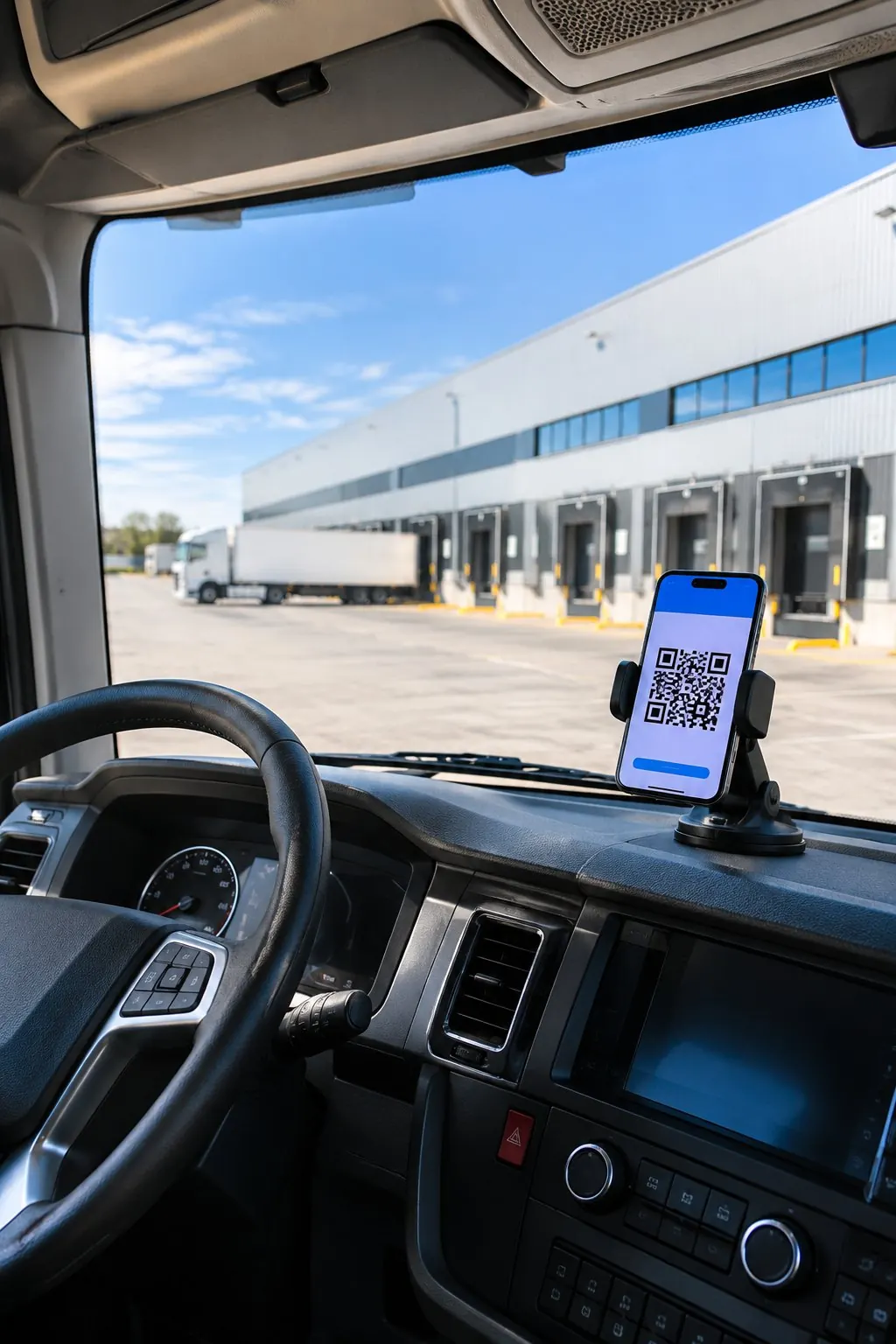
Each warehouse has its schedule in slots and its inbound, outbound or mixed docks. The carrier books an appointment from a link, without an account: they only see free or taken slots, and with the link of their appointment they confirm, change the time or cancel.
| Arrival | Minutes of delay against the start of the window. |
|---|---|
| Yard | Wait until the dock, and how much has elapsed since the booked time. |
| Dock | Minutes of loading or unloading. |
| Departure | Total stay, from arrival to departure. |
A measured wait does not by itself generate a surcharge on the invoice.
Your client, connected
The depositor sees what is theirs.
Without entering your account and without seeing anything of any other depositor.
No accountLink Portal With the link on their record, your client sees their stock by unit and by item, their movements, their advance notices and their orders. They see no locations, no operators and no other depositors. API v1Warehouse permissions API Their system reads stock, inbound and outbound, and creates advance notices, outbound orders and items with an API key of restricted permissions. NotificationsInstantly Webhooks Their system finds out when you close a receipt, when an outbound order leaves on a truck and when stock is adjusted. MCPRead only AI assistants Four read-only tools for an AI assistant connected through MCP: stock, stock by item, inbound and outbound. An add-on
on top of your plan.
| Plan | Warehouse | Plan price |
|---|---|---|
| Free | Cannot be added | €0 |
| SME | Added as an add-on | €39/month |
| Logistics | Added as an add-on | From €79/month |
| Accounting Firm | Cannot be added | From €89/month |
Monthly prices per company, excluding VAT. The add-on's price and its annual billing are on Pricing.
Keep going here The warehouse is one part.
The warehouse is one part.
The rest is transport.
- 01 Transport Services, documents, deliveries and invoice for road transport.
- 02 Planning The services leaving your warehouse, with their driver and vehicle.
- 03 Deliveries The consignee's signature, stored with the service.
- 04 Subcontracting Services to partner carriers, rate cards and settlements.
- 05 Freight forwarders Air and sea file for whoever organises international transport.
- 06 DeCA Spain's electronic transport control document, free and unlimited.
- 07 Consignment note When it is mandatory and how to issue it for free.



Before moving your warehouse to Cofactu.
What is Cofactu Warehouse?
It is Cofactu's warehouse management system (WMS; in Spain, SGA, sistema de gestión de almacén) for storing clients' goods: locations, inbound, stock by location and by depositor, order picking, outbound, loads, dock appointments and counts. It is linked to the transport services and invoices the storage.
Which plan do I need?
Warehouse is an add-on: it is added to SME (€39/month) or to a Logistics plan (from €79/month). The Logistics plans do not include it, and it cannot be added to Free or Accounting Firm. The add-on's price is on Pricing.
Does my clients' stock go into my inventory or my accounting?
No. It goes in its own movement register, in the name of its depositor, outside your company's valued inventory and the general journal. Your own stock stays in Inventory, which is a different thing.
Does the handheld terminal work offline?
In part. Without a network you can look up the warehouse snapshot downloaded earlier, and what you receive or move is saved on the handheld and sent when the connection returns; if another handheld moved the same pallet, it is left as a conflict to resolve by hand. Reserving, preparing, picking and loading need a network.
Can I bring in the stock and locations from my current system?
Yes, with a CSV or an Excel file: locations, opening stock, advance notices, outbound orders and items. The assistant proposes which column goes to which field, validates before importing and, if you repeat the file, duplicates nothing.
How is storage invoiced?
With a general rate or one per depositor: price per pallet per day and per package per day, free days, a minimum and charges for inbound and outbound. The settlement for each period comes out as a draft invoice, with an annex pallet by pallet, and you review it before issuing it.