Cofactu task library

Cofactu guides.
Invoicing and management.

Practical guides to issue, set up, file or migrate without wasting time searching through concepts you do not need yet.

What do you need to finish?

Recommended next task

Beginner≈ 12 minUpdated October 2026

How to prepare a digital DeCA in 2026, step by step

Guide to preparing a digital DeCA for road freight in Spain: when it applies, what data to include, native PDF, QR, handing it to the driver and keeping it.

Open this guide
  1. Check whether the shipment needs a control document
  2. Tell the contracting shipper from the actual carrier
  3. Describe the shipment that will travel

Shelf by moment

Stop reading.
Do what is next.

Each guide starts from a specific task and keeps the product steps you need to finish it.

Transport and DeCA

Documents, driver, deliveries and transport invoicing.

  1. 01 How to prepare a digital DeCA in 2026, step by step Guide to preparing a digital DeCA for road freight in Spain: when it applies, what data to include, native PDF, QR, handing it to the driver and keeping it. Beginner · ≈ 12 min
  2. 02 How to correct an issued DeCA and keep its versions Correct a DeCA in Cofactu: review the reason, issue the new version with its own PDF and QR and hand the updated copy to the driver. Step-by-step guide. Intermediate · Depends on the correction
  3. 03 How to manage a transport job through to its invoice Organise a service in Cofactu: customer, stops, DeCA, driver, POD, incidents, costs and invoice draft. Check each stage before closing. Intermediate · Depends on the service
  4. 04 DeCA vs CMR vs e-CMR: differences explained (2026) Learn to tell DeCA, CMR and e-CMR apart in road freight: when each document applies, what it proves and how to avoid confusing a PDF, a consignment note and an e-CMR. Beginner · ≈ 9 min
  5. 05 How to get ready for eFTI in 2027: guide What eFTI changes on 9 July 2027, which Spanish documents are in scope (DeCA, ADR, combined transport) and how to prepare without giving up the PDF DeCA. Intermediate · ≈ 10 min

First steps

From a new account to invoicing in line with VeriFactu.

  1. 01 How to issue your first VeriFactu invoice (step by step) Step-by-step guide to create and send your first VeriFactu-compliant invoice in Spain: tax details, certificate, customer, signed invoice, chained hash and AEAT QR. Beginner · ≈ 8 min
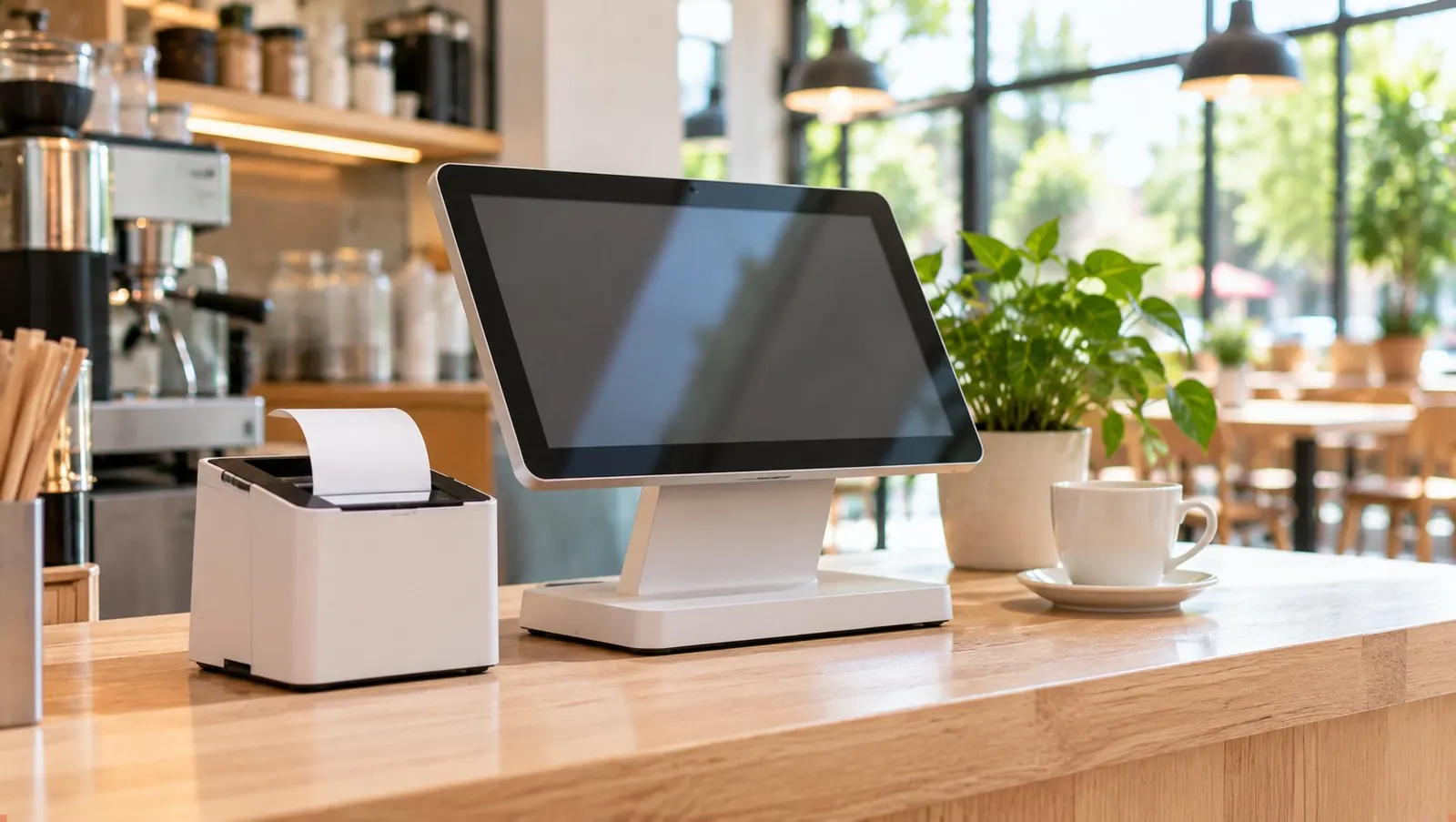
  2. 02 What hardware you need for the POS (requirements and kits) Minimum requirements and compatible devices for Cofactu's point of sale (TPV): browsers, thermal printer, cash drawer, barcode scanner and recommended kits by type of business. Beginner · ≈ 6 min

Compliance

Certificate, signature, hash chain and the AEAT.

  1. 01 Upload your digital certificate to Cofactu, step by step How to securely upload your .p12 certificate to Cofactu: AES-256 encryption, T-90 alerts before it expires and what to do if the file does not decrypt. Beginner · ≈ 6 min
  2. 02 How to request the FNMT digital certificate (Spain) Step-by-step guide to get the FNMT digital certificate (natural person or representative): request, identity verification and download, without getting lost on the way. Beginner · ≈ 30 min + identity check
  3. 03 How to read an AEAT rejection in VeriFactu What the AEAT error codes (1xxx, 41xx, 5xxx) mean when you send a VeriFactu invoice, how to fix them and how Cofactu repairs the hash chain. Intermediate · ≈ 10 min
  4. 04 How to digitise invoices and what the AEAT requires Digitising expense invoices with OCR is legal and lets you deduct them, but only certified digitisation with approved software lets you throw the paper away. What to keep and for how long. Beginner · ≈ 6 min
  5. 05 How to authorise your accountant at the AEAT (step by step) How to grant a power of attorney (apoderamiento) on the AEAT portal so your accounting firm can file on your behalf, which type to choose and how to track its expiry with Cofactu alerts. Intermediate · ≈ 15 min

Tax

Returns, VAT and personal income tax calculated from your data.

  1. 01 How to file the Modelo 303 VAT return (step by step) Guide to filing the quarterly Modelo 303 VAT return in Spain with Cofactu: how it is calculated from your VAT book, which boxes to check, deadlines and how to generate the file for the AEAT. Intermediate · ≈ 15 min

Migration

Bring your history from another tool without losing anything.

  1. 01 How to export data through the Holded API How to export data through the Holded API (invoices, expenses, payments, quotes and catalogue) without downloading a single Excel: generate the API key and connect it to Cofactu. Beginner · Depends on volume and review
  2. 02 How to migrate from Holded to Cofactu, step by step Guide to migrating from Holded to Cofactu: connect by API to import customers, expenses and invoices automatically, check that it adds up and prepare your new invoicing. Intermediate · Depends on volume and review
When the task changes
Frequently asked questions

Frequently asked questions

Which guides does Cofactu have?

Cofactu has 15 step-by-step guides, grouped in 5 topics: Transport and DeCA, First steps, Compliance, Tax and Migration. Each starts from a specific task, such as issuing the first VeriFactu invoice, filing Modelo 303 (quarterly VAT return), preparing a DeCA (electronic transport control document) or migrating from Holded, and shows its level and estimated time.

How do I issue my first VeriFactu invoice with Cofactu?

Complete your tax details, add the customer, create the invoice as a draft and send it. When you send it, Cofactu generates the record, computes its SHA-256 hash chained to the previous invoice in the series and submits it to the AEAT (Spanish Tax Agency), authenticating the submission with your digital certificate; then you download the PDF with the QR code. The Free plan includes unlimited invoices with VeriFactu and QR. Step-by-step guide.

Which digital certificate do I need to send invoices to the AEAT?

Any recognised electronic certificate in your name or your company's name: the FNMT one (natural person or representative of a legal entity), the electronic ID card (DNIe) or one from a qualified provider, in .p12 or .pfx format. It is uploaded once, stored encrypted with AES-256-GCM, and Cofactu warns you 90, 30 and 7 days before it expires. How to upload it · how to request it from the FNMT.

What do I do if the AEAT rejects an invoice?

Correct it and resend it: a rejection means that record did not enter the AEAT, but it is not a penalty. Cofactu translates the error code into plain language; you fix data errors, and Cofactu retries chain errors (such as 4171) and AEAT service errors automatically. When the AEAT accepts the invoice, it receives its CSV (secure verification code). Rejections guide.

Since when is the digital DeCA mandatory?

Since 5 October 2026, under the eighth transitional provision of Law 9/2025. It must be a native PDF with a QR code and a unique download URL (Resolution of 5 June 2026), be generated before the service starts and be kept for at least one year. In Cofactu, the Free plan includes unlimited DeCA. DeCA guide.

(Start today)

Invoice with VeriFactu, file with the AEAT and keep your books in the same account. Start free: no card, nothing to install.

Your first invoice

  • Unlimited VeriFactu invoices with QR
  • No card needed
  • Full export of your data