






Parties
The contractual shipper and the actual carrier are identified separately. In this example their names and NIFs (Spanish tax IDs) are fictitious.

See a document generated by Cofactu's PDF engine without creating an account: open the PDF, scan the QR code with another phone and compare a correction. The DeCA (documento electrónico de control) is Spain's electronic transport control document, and this sample is in Spanish, like the real one. The data is fictitious and the file is marked as a test with no validity for a real transport.
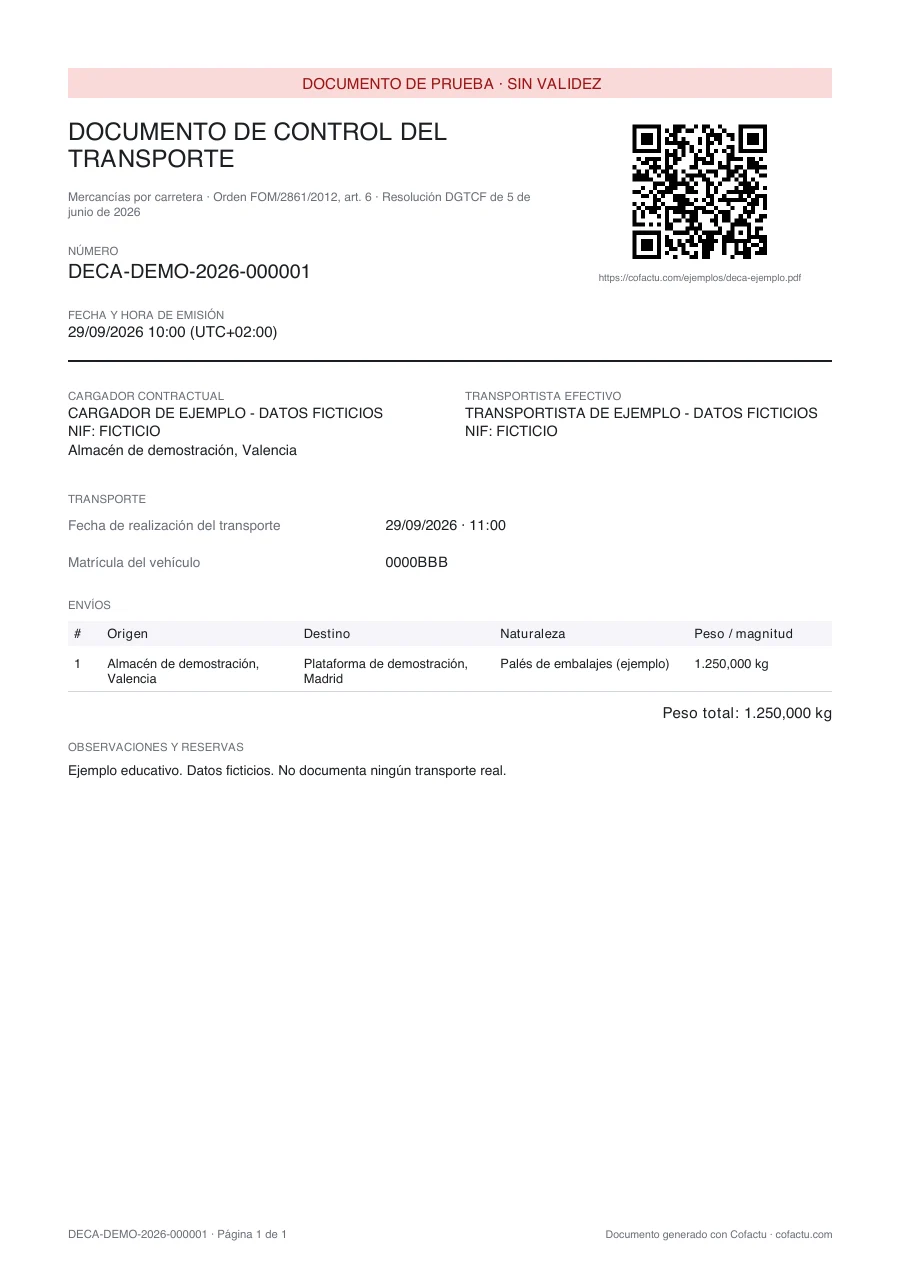
The contractual shipper and the actual carrier are identified separately. In this example their names and NIFs (Spanish tax IDs) are fictitious.
Origin Valencia, destination Madrid, pallets of packaging and 1,250 kg. In your document, the details of the real service must appear.
Transport date and plate number. For an articulated combination, the trailer or semi-trailer is identified too.
The QR code and the printed address lead to that specific PDF. The download needs no registration and no account, as the rule requires for an inspection; creating your own DeCA in Cofactu does require a free account.

Scan it with another device or open the same destination. It is a public sample download.
35 seconds to review the document, open the PDF from the QR code and compare the versions. An animation made with the PDF and public QR codes of this example, with fictitious data; it does not show the issuing of a real transport. The on-screen text and captions are in Spanish; the transcript below is in English.
This second PDF shows a fictitious plate correction. Cofactu generates a new version with its own URL and QR code, states the reason and keeps the original. The driver must receive the updated document.


Check the parties, the shipment, the date and the vehicle.
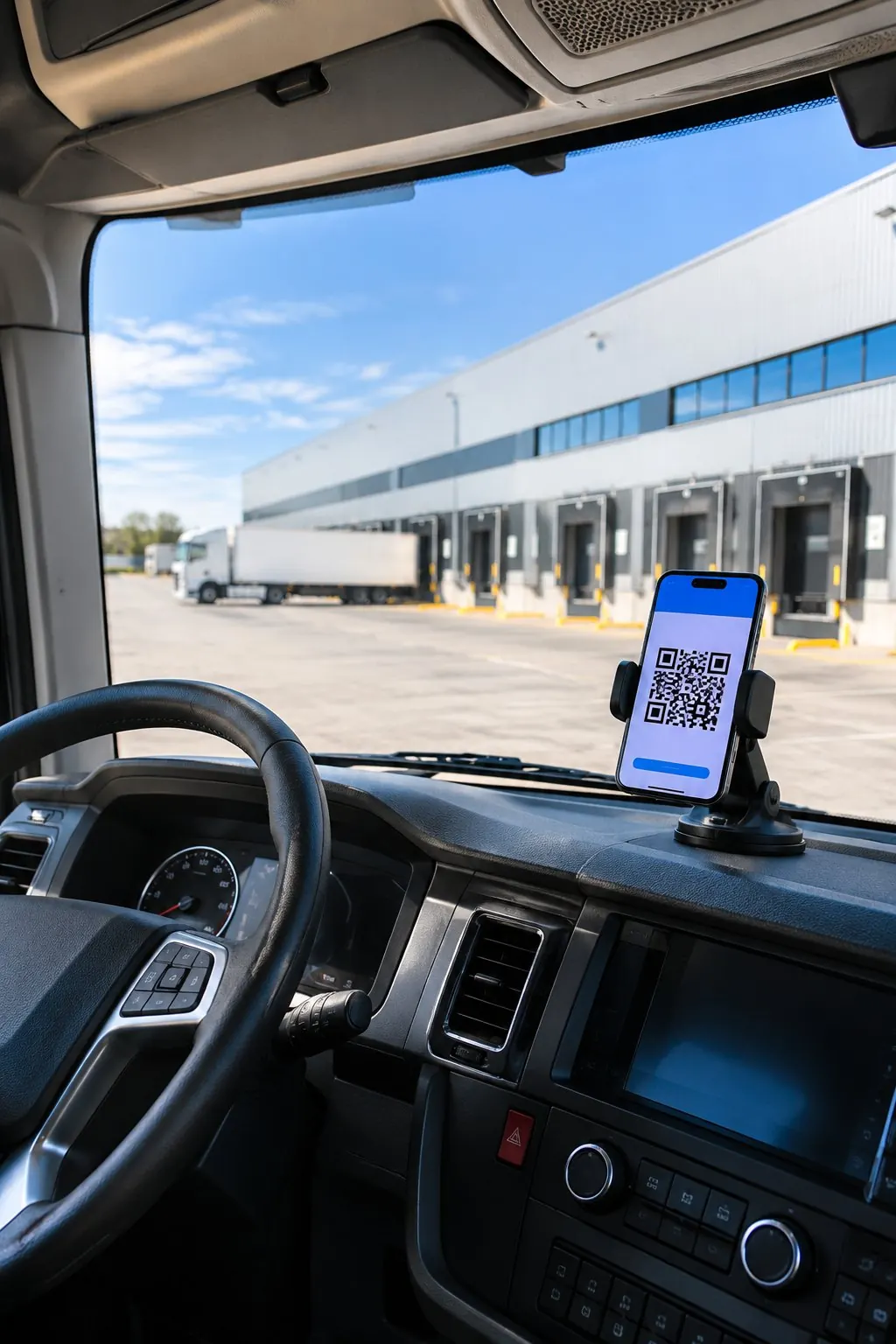
Open the QR code and check that it downloads the matching PDF.

Give the driver the digital copy, or a printed copy with the QR code, before the service starts.

Keep the documents and give the driver any updated version.

The example helps you recognise the format. The obligation and its exceptions depend on the transport. Read the guide to preparing a DeCA and the differences from CMR and e-CMR.
No. It is a test document with fictitious data and is marked as not valid. For your own operation you must create an account, complete the real data and issue your own document before the service starts.
The matching demonstration PDF opens directly, with no registration or login. The second version has its own PDF and QR. You can check both downloads from this page without creating an account.
Yes. The document is generated electronically, but the driver can carry a printed copy with the QR code or show the digital copy. If it is modified, the driver must receive the updated version. It is not corrected by writing on the paper by hand.

Manual issuing is unlimited on the Free plan: €0, no card and no end date. Create the free account and we take you straight to the DeCA form.

We use our own cookies, Google's (which ads bring sign-ups) and PostHog's (how the site is used). If you decline, the site works exactly the same. Learn more .
Navegar en tu idioma siempre es mejor. Cámbiate para disfrutar de una experiencia 100% adaptada.


