Tool 01 DeCA checker Check

Cofactu runs the transport service from start to finish: the DeCA (Spain's electronic transport control document) that leaves with the load, the driver who carries it, the signature of the person who receives it and the invoice that charges for it. For hauliers, and for shippers who hire transport, including foreign companies moving goods in and through Spain.
It connects every service with its DeCA, its delivery and its invoice. It organises the work of hauliers and agencies with operational planning, tracking, incidents and margin per service.
A transport service leaves a trail of paper: the DeCA, the consignment note, the signature on delivery, the waiting time at the dock and the invoice. In Cofactu they all come out of the same place.
Issue a DeCA for free 



The shipper issues the DeCA, or you issue it for them. A PDF with a QR code and a public address that anyone can check without logging in.
Read moreDriver, tractor unit and trailer are recorded on the service. The driver receives the DeCA on their phone and needs no account.
Read moreWaiting time at loading and unloading is logged and calculated as downtime. So is the price revision for diesel.
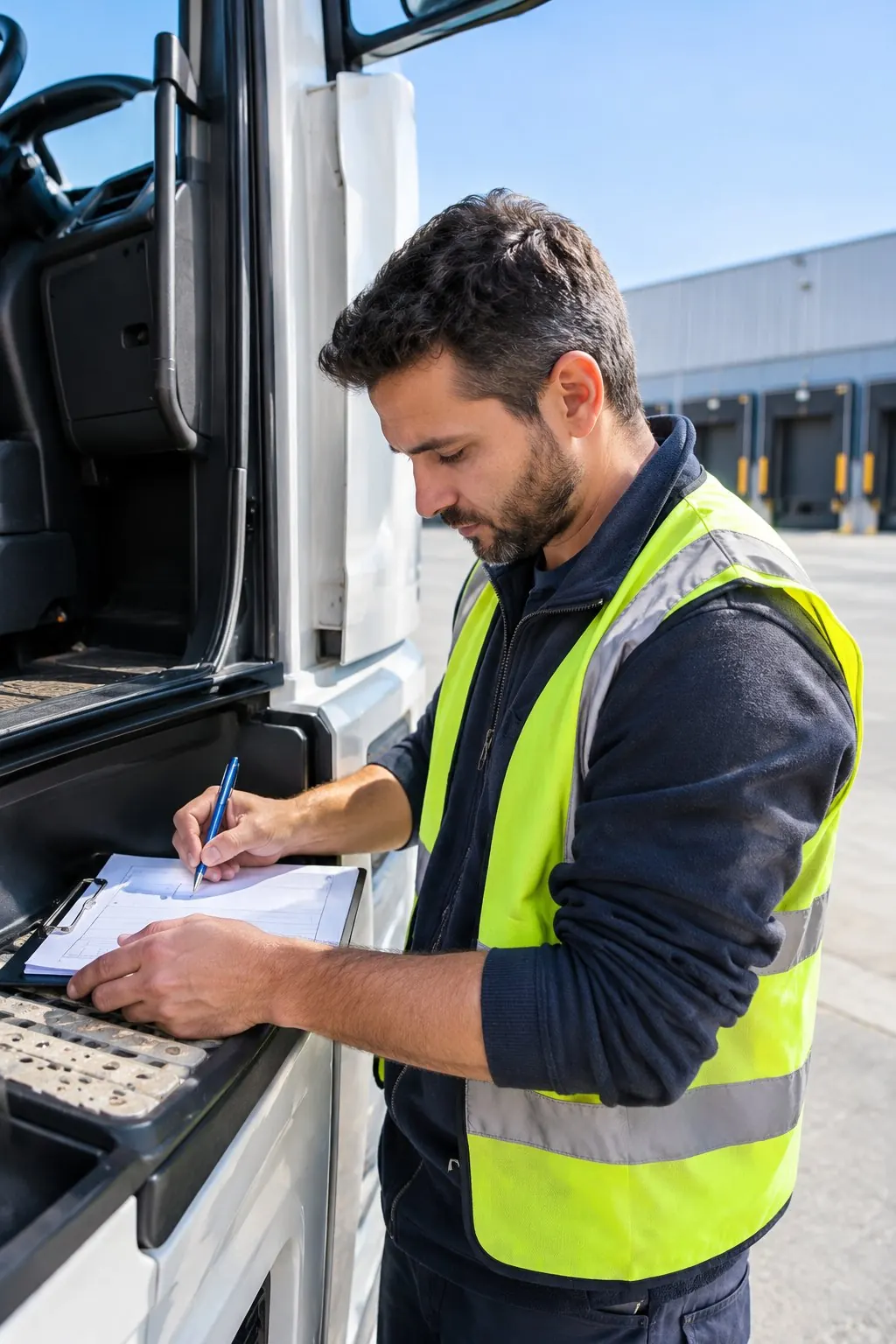
Read moreThe consignee signs on screen. The signature is stored with the DeCA and the service, as proof that the goods arrived.
Read moreThe service generates the draft invoice with its prices. You review it and it goes out signed, chained and ready for the AEAT (Spanish Tax Agency).
Read moreIf you subcontract, the services to partner carriers and their settlements come from the same place, with a rate card per client.
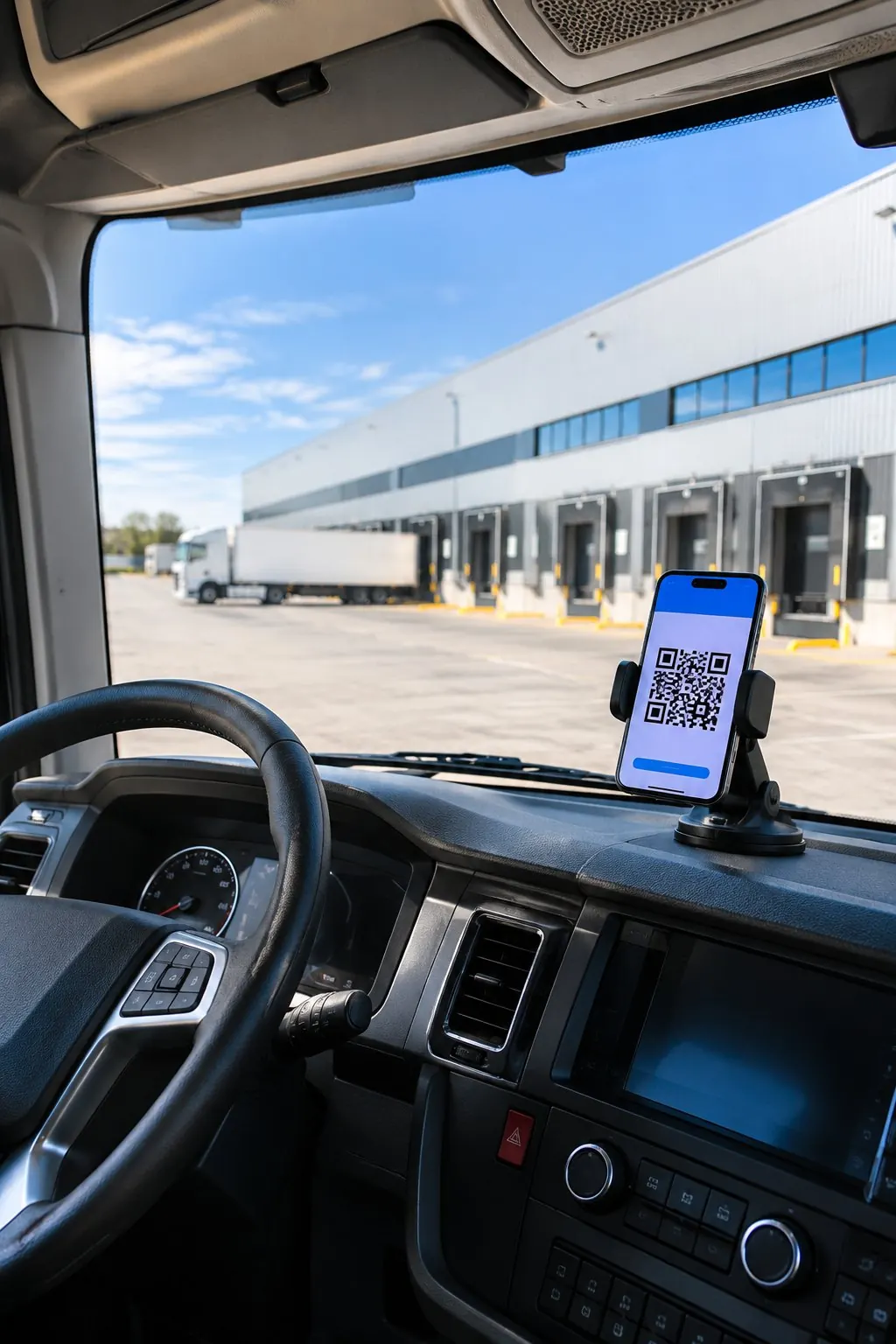
Read more The driver carries the DeCA on their phone. Nothing to print and no account to create for them.
How the DeCA worksHours waiting at the dock are counted, and invoiced as downtime.
How the DeCA worksEvery service ends in a draft invoice that you only need to review.
How the DeCA worksFor today's question you do not need an account: check a DeCA, analyse a tachograph file or calculate the driving and rest times of a route.
See all tools 

The control document with a native PDF and a verifiable QR code, unlimited on the Free plan. And the carta de porte (consignment note), with its number.
Drivers, tractor units and trailers with their documents and their roadworthiness test (ITV). Each service knows who carries it and in what.
Waiting at loading and unloading and the diesel price revision, calculated under Law 15/2009 on the contract of road transport.
The consignee's signature is stored with the DeCA and the service, and kept as proof of delivery.
Services to partner carriers, rate cards per client and settlements, in the Logistics Pro plan.
Each operation gathers the parties, the stops and the goods. From that context you can prepare documents, record the delivery and review the data that will go to the invoice.
| Service | Goods | Status | Document | Delivery | Economics |
|---|---|---|---|---|---|
| 01 · Valencia → Madrid | Pallets of food | Preparation | Review DeCA data | Assign driver | Agree price and costs |
| 02 · Burgos → Bilbao | Packaging material | In progress | Copy available | Follow milestones and incidents | Review service costs |
| 03 · Zaragoza → Barcelona | Industrial spare parts | Delivered | Keep documents | Check proof of delivery (POD) | Prepare draft invoice |
| Plan | What it includes | Price |
|---|---|---|
| Manual DeCA | Create documents one by one, without buying operations management. | Free · €0 |
| Logistics | Services, planning, driver, POD, incidents, tracking and margin. Includes SME. | €79/month |
| Logistics Pro | Also subcontracting, rate cards and carrier settlements. Includes SME. | €149/month |
Monthly prices per company, excluding VAT. See annual billing, limits and features on Pricing.

Prepare a DeCA and hand it to the driver01
Correct an issued document02
Tell DeCA, CMR and e-CMR apart03
Choose DeCA software04

Find out whether I need a consignment note05
Check a driver's tachograph card06
Issue the identification document for a waste transfer07

Move animal by-products (SANDACH)08

Find out whether a trip is declared in the IMI09
Check the temperature recorder log10
Find out when each truck is due its ITV11
The availability of e-CMR, eFTI or sector integrations has its own requirements. Check the scope of the e-CMR before choosing a solution for that use.
Check the scope of the e-CMR →It is the Cofactu area for managing road transport services: DeCA documentation, operational planning, driver, proof of delivery (POD), incidents, tracking, costs and invoicing. The offer separates free manual issuing of the DeCA from the plans for managing the operation.
Yes. Manual DeCA issuing is unlimited on every plan, including the Free plan. You need an account, no card. To organise services, deliveries and costs you have the Logistics plans; the advanced features are detailed on Pricing.
Yes. Logistics costs €79/month, Logistics Pro €149/month and Logistics Plus €249/month, excluding VAT, billed monthly per company. All include SME. From Logistics Pro there are subcontracting, rate cards and carrier settlements. See the conditions and annual billing on Pricing.
No. Operational planning organises services and assignments. Whether route calculation, telematics or other integrations are available should be checked for your operation before buying; it is not assumed just because you have the logistics module.
You can share access to your organisation with the right permissions. Accounting firms have plans to manage their client portfolio. The DeCA documents the transport; the invoice and the expenses are the documents reviewed in the accounting and tax work.
We use our own cookies, Google's (which ads bring sign-ups) and PostHog's (how the site is used). If you decline, the site works exactly the same. Learn more .
Navegar en tu idioma siempre es mejor. Cámbiate para disfrutar de una experiencia 100% adaptada.