Draft
No number yet. Save it with what you have and complete it later. A draft can be deleted.

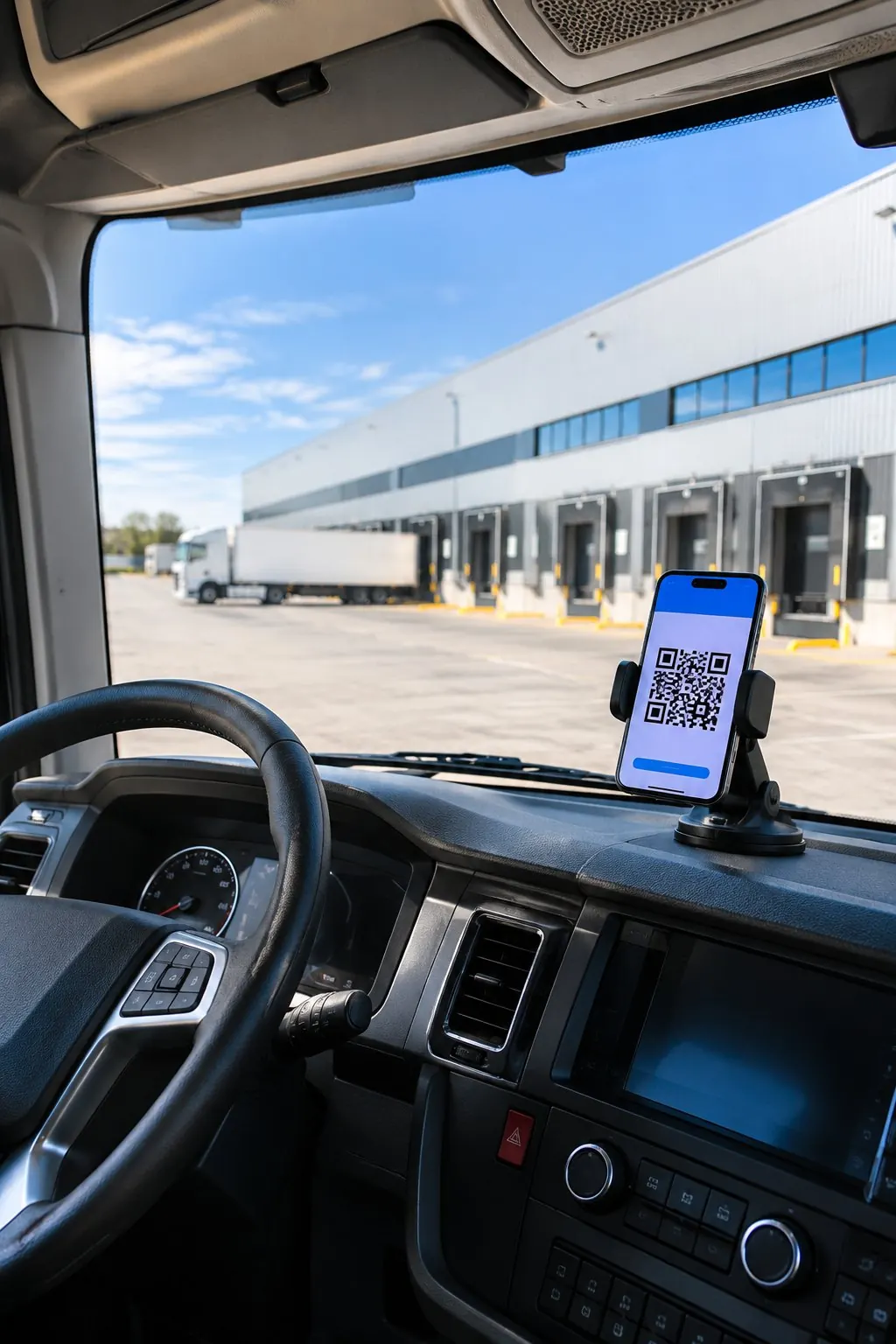
Cofactu organises road transport around the service: client, stops and goods in one record; vehicle, driver and time slot in a day or week planner; and the status, incidents and tracking visible to whoever needs them.
Included in the Logistics plans, from €79 per month excluding VAT. You do the planning: Cofactu suggests and warns, it does not reorganise the day by itself.
See the planner ↓The document, the delivery, the incident and the invoice all come from the same service. That is why what it holds comes first.
| Item | What it holds |
|---|---|
| Client | The service's client, their reference and the order or loading-order number. |
| Parties | Shipper and carrier, with their NIF (Spanish tax ID): the same data the DeCA (electronic transport control document) carries later. |
| Collection | The collection point and the transport date. |
| Stops | One or more delivery addresses, in order, with their notes and time window. |
| Goods | Per stop: nature of the goods, packages or pallets and weight in kg, or another measure such as litres. With a flag for refrigerated goods or waste. |
| Resources | Vehicle, trailer plate and driver. |
| Number | TRANS-YYYY-NNNNNN, sequential per year, assigned when the service starts. |
You can save it as a draft with the minimum and complete it when you have the rest.
No number yet. Save it with what you have and complete it later. A draft can be deleted.
When you start it, it gets its TRANS number. From then on it cannot be deleted: it is cancelled, and keeps its number.
When all its stops are resolved: delivered, skipped or cancelled. Only the proof of delivery (POD) marks a stop as delivered.
It is no longer operational and keeps its TRANS number and its activity history.
Each stop also has its own:
pending, delivered, skipped or cancelled.






The day or the week, by vehicle and by driver.
What is still unassigned, in its own list.
Vehicle, driver and time slot, in a single step.
When you set vehicle, driver and time slot, Cofactu checks the day. No warning blocks the assignment: you see it before saving and decide. If the driver has a Cofactu user, they are notified that their route has changed.
| Warning | When it appears |
|---|---|
| Vehicle double-booked | The same vehicle already has another service in that time slot. |
| Driver double-booked | The same driver already has another service in that time slot. |
| Overloaded | The planned goods exceed the vehicle's payload in kg or its pallet capacity. |
| Vehicle unavailable | It has a workshop, roadworthiness inspection (ITV) or breakdown logged on those dates. |
| No refrigeration or no ADR | The service is refrigerated or carries dangerous goods and the vehicle is not equipped for it. |
| Driver unavailable | They have approved leave or are no longer active on the team. |
| Driver permits | The driving licence, CAP (driver qualification card), tachograph card or ADR (dangerous goods) certificate is missing, has expired or expires during the service, where required. |
Permits are checked against the documents you have registered for each driver.
“Optimise the day” allocates and orders the day's services across your vehicles: it respects load, refrigeration and ADR, workshop and ITV, each stop's appointments and a working day from 06:00 to 22:00, without moving what is already in progress. You compare it with your plan and apply it vehicle by vehicle. The kilometres are, for now, straight-line and indicative.
Does it optimise routes? →
Rejected delivery, damaged or missing goods, closed destination, delay, breakdown or other. Each incident is tied to the service and, where relevant, to its stop, with low, medium, high or critical severity and up to 10 pieces of evidence.
The office opens it from the record, or the driver from their route. High and critical incidents notify the company's owners and administrators. They are closed as resolved or cancelled, with an explanation, and all of them are visible together in the Incidents inbox.
From the service record you create a link for your client or for the consignee. It expires after 30 days, and you can revoke it or replace it with a new one at any time.
Service started, arrival logged and collection logged at each stop, as the driver marks them.
An unsuccessful attempt shows as “Delivery attempt failed — will be rescheduled”, without the internal notes.
Once the proof of delivery is issued, the stop shows as delivered and the link opens its proof. If there were reservations, it says so.
Neither where the truck is nor an estimated arrival time: tracking reports recorded facts, not positions.
What people ask most about services, assignments, routes and tracking.
See pricing →It is the part of Cofactu Transport that organises road transport services. Each service gathers client, stops and goods; in the planner you assign a vehicle, a driver and a time slot in a day or week view, and then follow its status, incidents and delivery from the same record.
No. “Optimise the day” calculates a proposed allocation and order of the day's services and compares it with your plan, but it changes nothing by itself: you apply it vehicle by vehicle, with confirmation. For now the kilometres in that comparison are straight-line and indicative, because no road-routing provider is connected.
Cofactu warns you about the clash before you save, just as it does if the driver already has another service, if the load exceeds the vehicle's capacity or if the vehicle is in the workshop or at the ITV. Warnings do not block: you can plan anyway, and the vehicle warnings are kept in the service history.
Yes. From the service record you generate a tracking link that opens without logging in. It shows the status, the milestones the driver logs and the proof of delivery for each stop. It expires after 30 days and can be revoked or replaced with a new one.
When all its stops are resolved: delivered, skipped or cancelled. A stop only becomes delivered with its proof of delivery (POD); skipping or cancelling it requires writing the reason.
The Logistics plans: €79, €149 or €249 per month excluding VAT, depending on users (3, 10 or 25), with a 30-day trial and no card. All include the SME plan, and from €149 they add subcontracting, rate tables and settlements. The manual DeCA stays free on every plan, Free included.
We use our own cookies, Google's (which ads bring sign-ups) and PostHog's (how the site is used). If you decline, the site works exactly the same. Learn more .
Navegar en tu idioma siempre es mejor. Cámbiate para disfrutar de una experiencia 100% adaptada.